
MobileNAV
Mobile access to Business Central workflows across service, warehouse, sales, and project activity.
WMS MobileNAV
Warehouse teams use handheld scanning to receive, move, pick, and count with real-time ERP visibility.
Servotion
Field teams capture service work, while dispatchers and customers gain better operational visibility.
Elevate Your Business Central Experience on the go
In today’s fast-paced market, “good enough” software isn’t enough. Your operations need to be as mobile, agile, and precise as your team. At SimplyBC, we specialise in bridging the gap between your back-office power and your front-line execution.
Through our strategic partnership with MultiSoft, we deliver the ultimate mobile extension for Microsoft Dynamics 365 Business Central, tailored specifically for the complexities of modern Warehousing and Service Management.
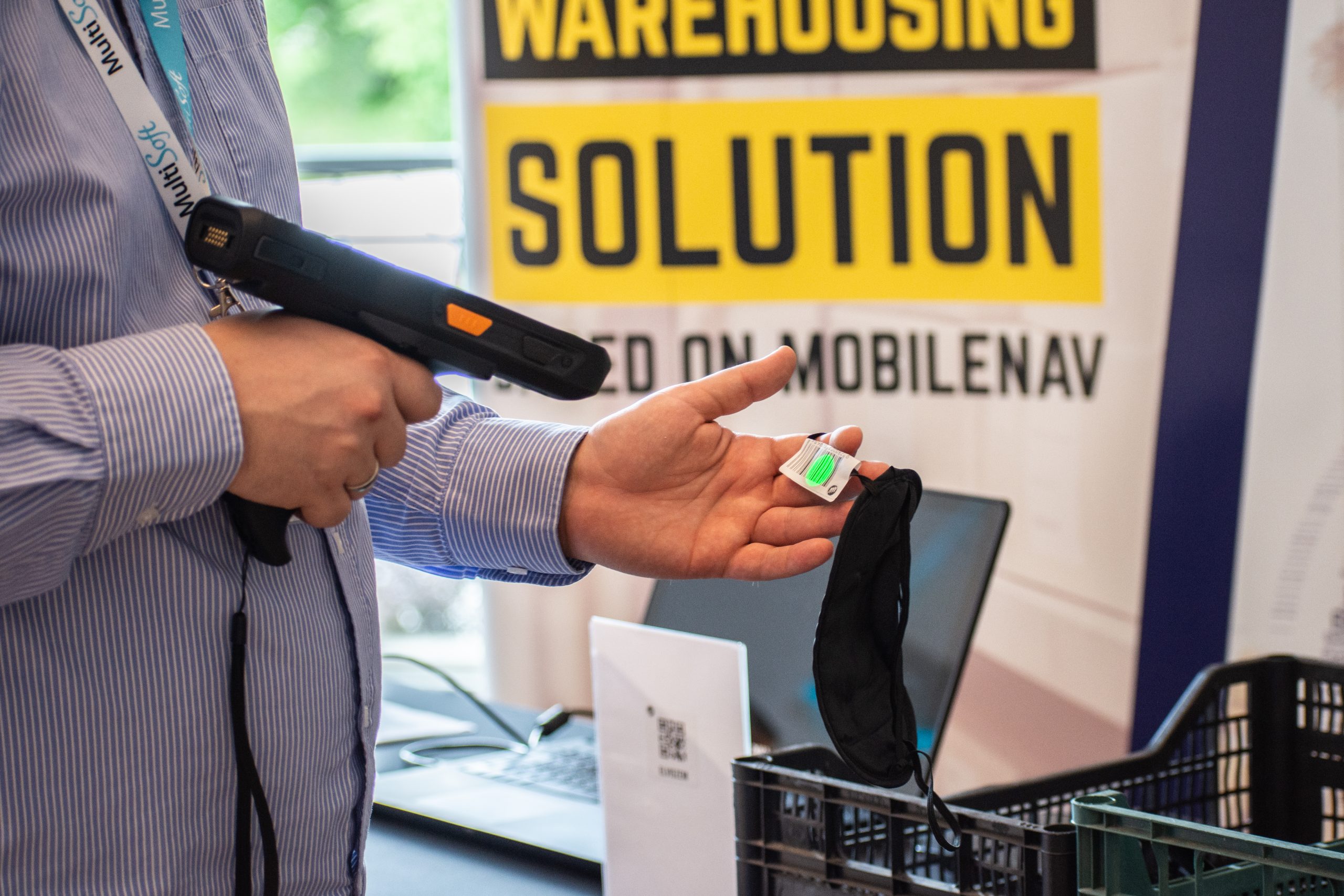
A complete mobile operations layer around Business Central.
For growing businesses, the challenge is rarely just software. It is getting warehouse teams, technicians, project staff, and office users working from the same source of truth. That is where SimplyBC combines implementation experience with the right mobile tools.
MobileNAV for mobile-first execution
Extend Business Central to smartphones, tablets, and handheld devices so teams can capture activity where work actually happens.
WMS that works on the warehouse floor
Turn paper-based receiving, picking, put-away, and stock counting into fast, scanner-led warehouse processes.
Servotion for connected field service
Support technicians, dispatchers, and customers with mobile service tools, visibility, and better coordination.
Implementation expertise
SimplyBC aligns solution design, project governance, data, and process fit so deployments are structured for adoption, not just go-live.
Operational understanding
From warehouses to field teams, SimplyBC bridges ERP configuration with how people actually work day to day.
Senior support
Clients get access to experienced NAV and Business Central specialists who solve root causes, not just surface-level tickets.
Scalable architecture
Build a solution that grows from core Business Central into mobile execution, warehousing, and service management without fragmentation.
WHY SIMPLYBC
Not just app installation. Real Implementation, Rollout, and Support.
SimplyBC positions itself as a Business Central problem-solving partner, helping businesses move from planning and implementation through to post-go-live optimisation and senior support.
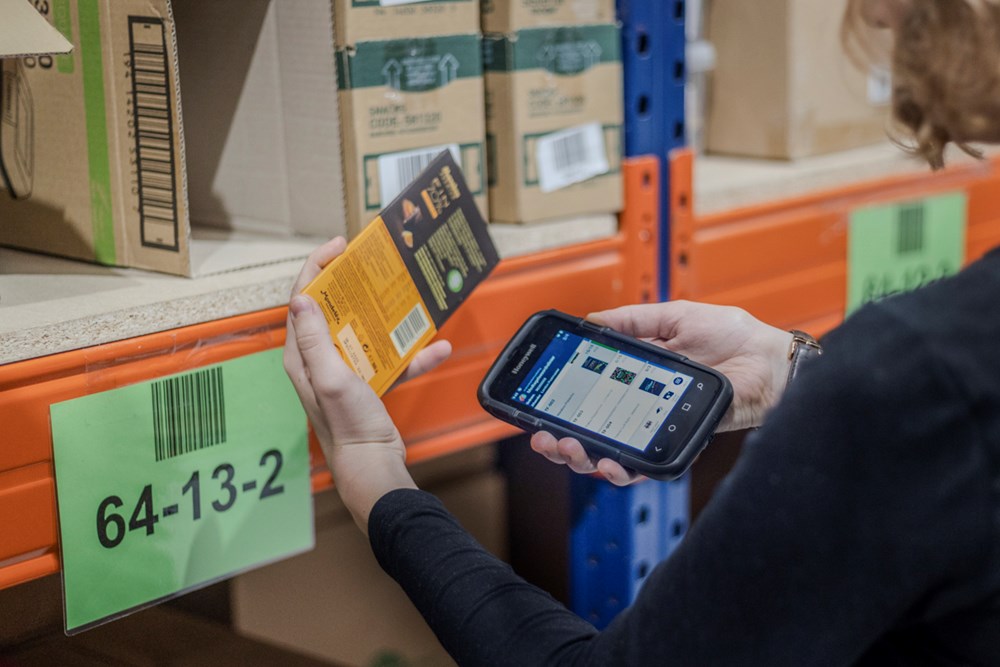
Ready to modernize execution?
Let SimplyBC turn Business Central into a system your mobile teams will actually use.
From MobileNAV functionality to WMS and Servotion rollout, SimplyBC helps you design, implement, support, and continuously improve the operational layer around Business Central.
WHY SIMPLYBC
Use this space to provide your website visitors with a brief description on what to expect before clicking on a section title.